
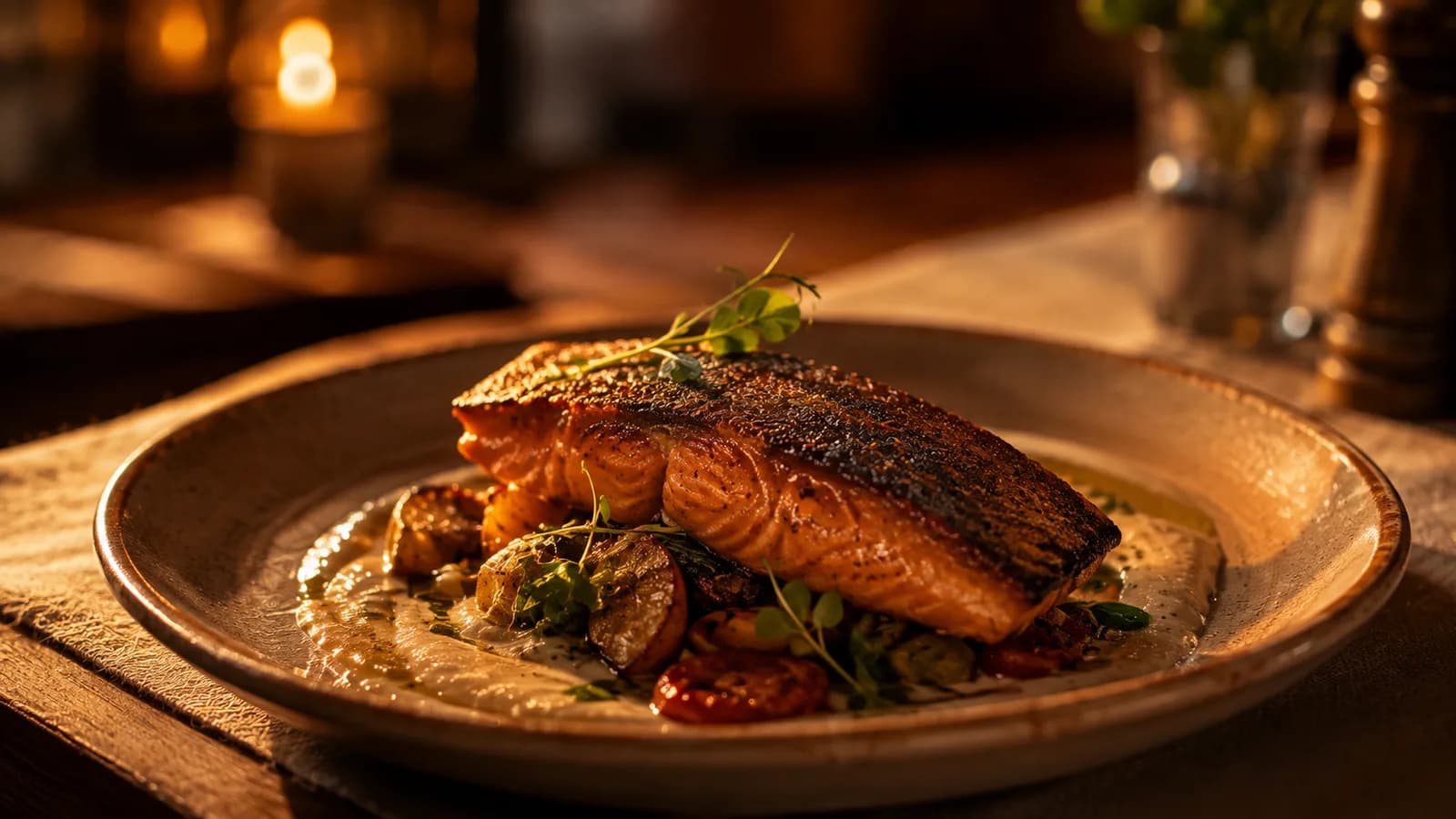
Dynamic QR codes
One code per table, menu, or campaign. Point it somewhere new without reprinting anything.
Your printed QR stays fixed while prices, dishes, and languages change behind it. No reprints. No app for guests.
Casa Duna
Scan for menu
A QR generator hands you an image pointed at a file. Move the file and the print is dead. myQRMenu owns the address and resolves it to whatever you published today.
You do this once. After that the code stays on the table and only the menu behind it changes.
Business name, location type, menu language, currency, and your public menu address.
Enter categories and items by hand, or import them from a photo of your printed menu and approve the draft.
The code points at an address we control, not at your menu file. Download it as PNG, SVG, or a print sheet.
Prices, dishes, languages, campaigns. The printed code keeps resolving to whatever you published last.
What you get
One code per table, menu, or campaign. Point it somewhere new without reprinting anything.
Photo import, nutrition, allergens, and translations arrive as drafts. Nothing reaches a guest until you publish it.
Fourteen allergen codes, dietary flags, and per portion nutrition on every item.
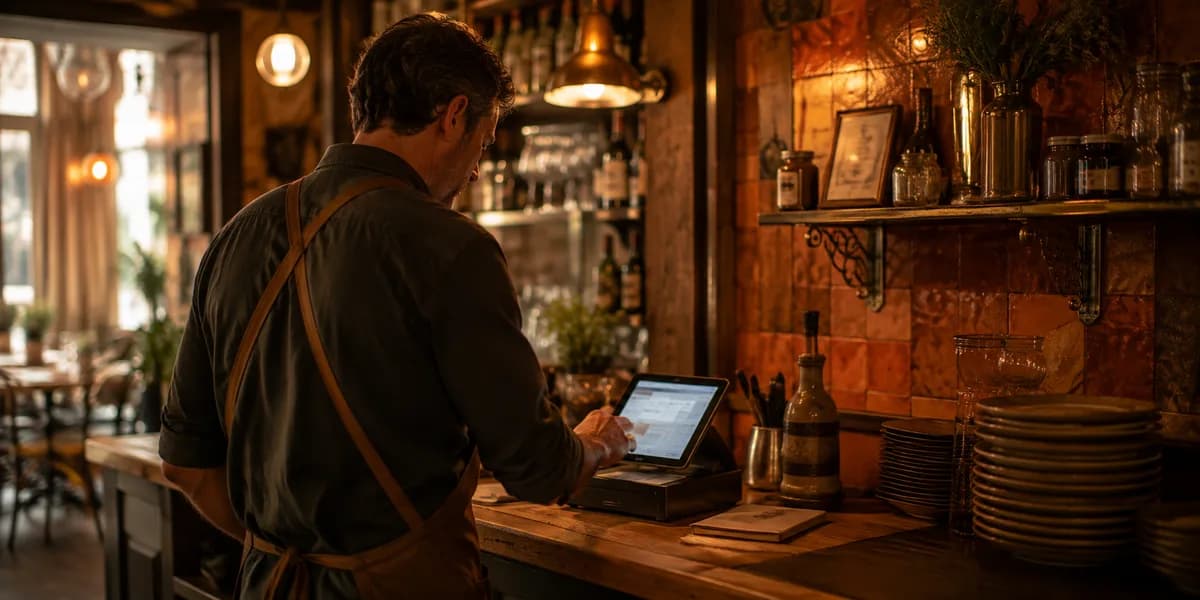
See which codes get scanned, which items get opened, and at what hour.
Discounts, bundles, and per glass or per bottle pricing without building a second menu.
Guests scan and read. No login, no install, no waiting on a model. Only published, restaurant approved data reaches the table.
Prices are entered by hand. We do not invent exchange rates.
Languages
Currencies
Pricing
Start on the trial. Move to Starter for the live menu, or Pro when you want the AI drafting tools.
$0
for 14 days
No card required
$15
per location, per month
Billed $180 per location, per year
Everything it takes to run one live menu
$31
per location, per month
Billed $372 per location, per year
Everything in Starter, plus
Talk to us
For groups running several venues
No. The printed code points at an address we control, and that address resolves to your current published menu.
No. The menu opens in the phone browser. There is nothing to install and nothing to sign in to.
No. Imports, nutrition, allergens, and translations stay drafts until you review and publish them.
Yes. A workspace holds multiple locations, each with its own menus, codes, and analytics.
English, Turkish, German, French, Spanish, Italian, Arabic, Russian, and Greek. Arabic menus render right to left.
Create a workspace, add one location, publish a menu, print the code.
Start free trial